Website design · Custom web apps

A website that actually does something.

Clean, fast websites for businesses, and the parts that do the work: bookings, logins, listings, admin panels. Quoted up front. Built by the person you talk to.

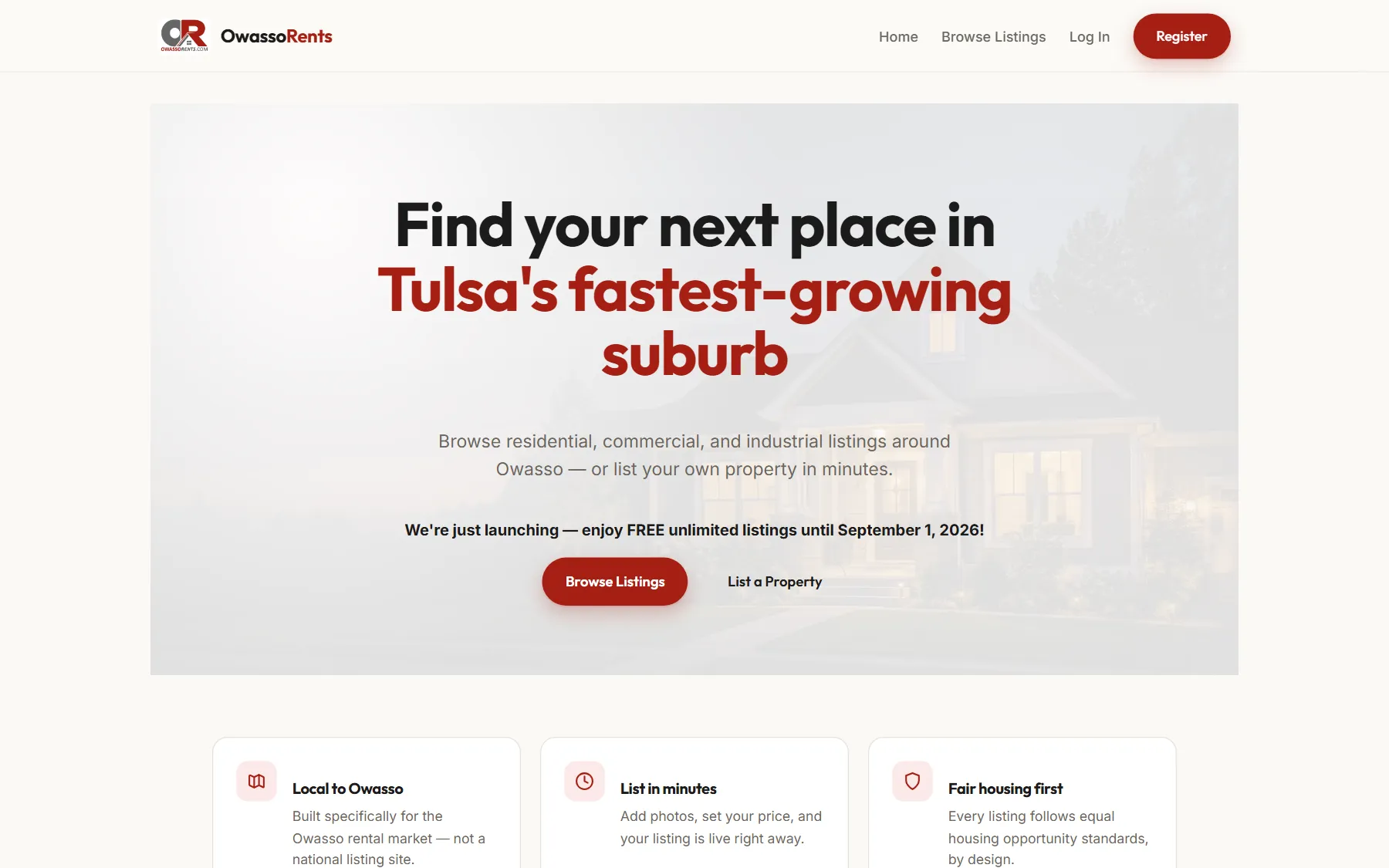
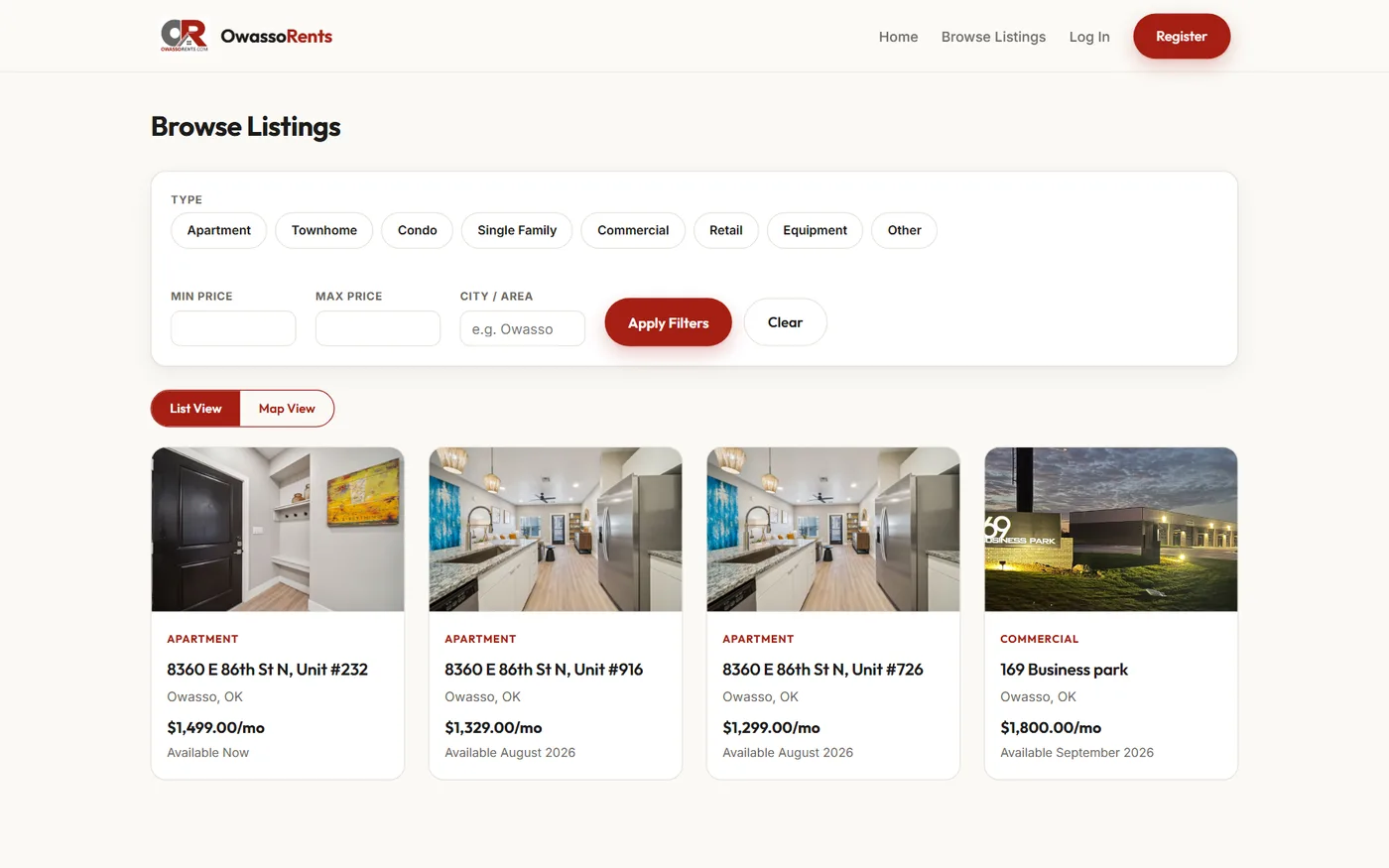
The owassorents.com home page on a desktop browser: a rental listings site with a large headline and a Browse Listings button.
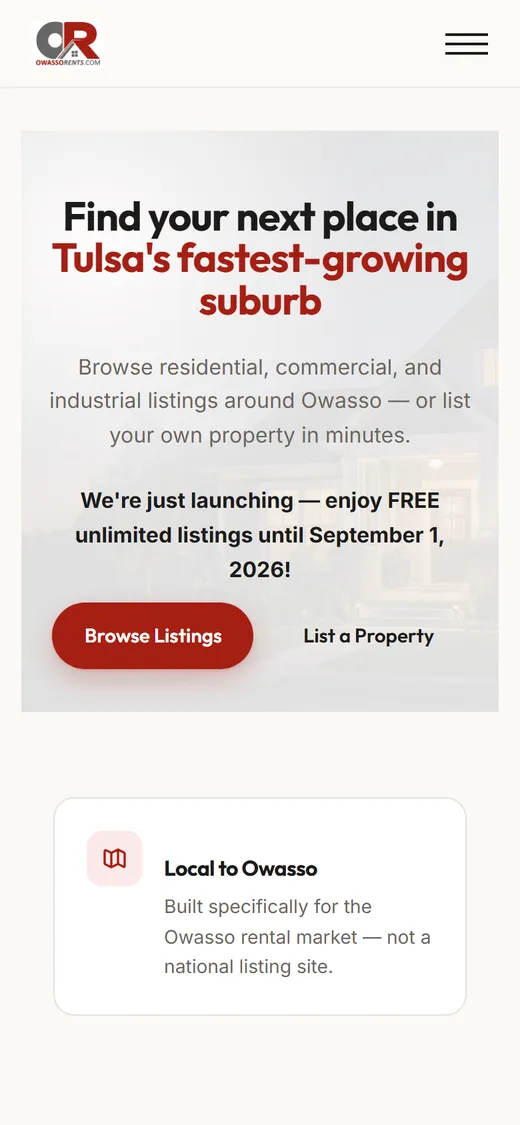
The same owassorents.com page on a phone, with the layout stacked for a small screen.
owassorents.com, on desktop and phone

Sound familiar

Somewhere in here is why you’re reading this.

  1. The site you don’t send people to.

    It looked fine when it went up. Now it’s slow on a phone, and you apologize before you send the link.

  2. The builder you’ve outgrown.

    The drag-and-drop builder got you started. Now you need logins, bookings or listings, and you’re stacking plugins to fake it.

  3. The agency that bills for commas.

    Every text change is a ticket, a wait and an invoice. Updating your hours shouldn’t cost anyone an afternoon.

  4. The spreadsheet doing a database’s job.

    One file, six tabs, one person who understands it. It works right up until it doesn’t.

Every one of these is fixable. That’s the job.

Websites

A good-looking site is the start, not the finish.

Some businesses need a clean site that loads fast and says the right things. Some need that site to take bookings, manage listings or run a league. We build both, and one can grow into the other.

Sites that look right.

Fast on a phone, sharp on a big screen, and clear enough that a customer knows what you do at a glance.

Updates are easy. Change the everyday things yourself, or send us a note and we’ll handle it.

Work

Some of it you can click on.

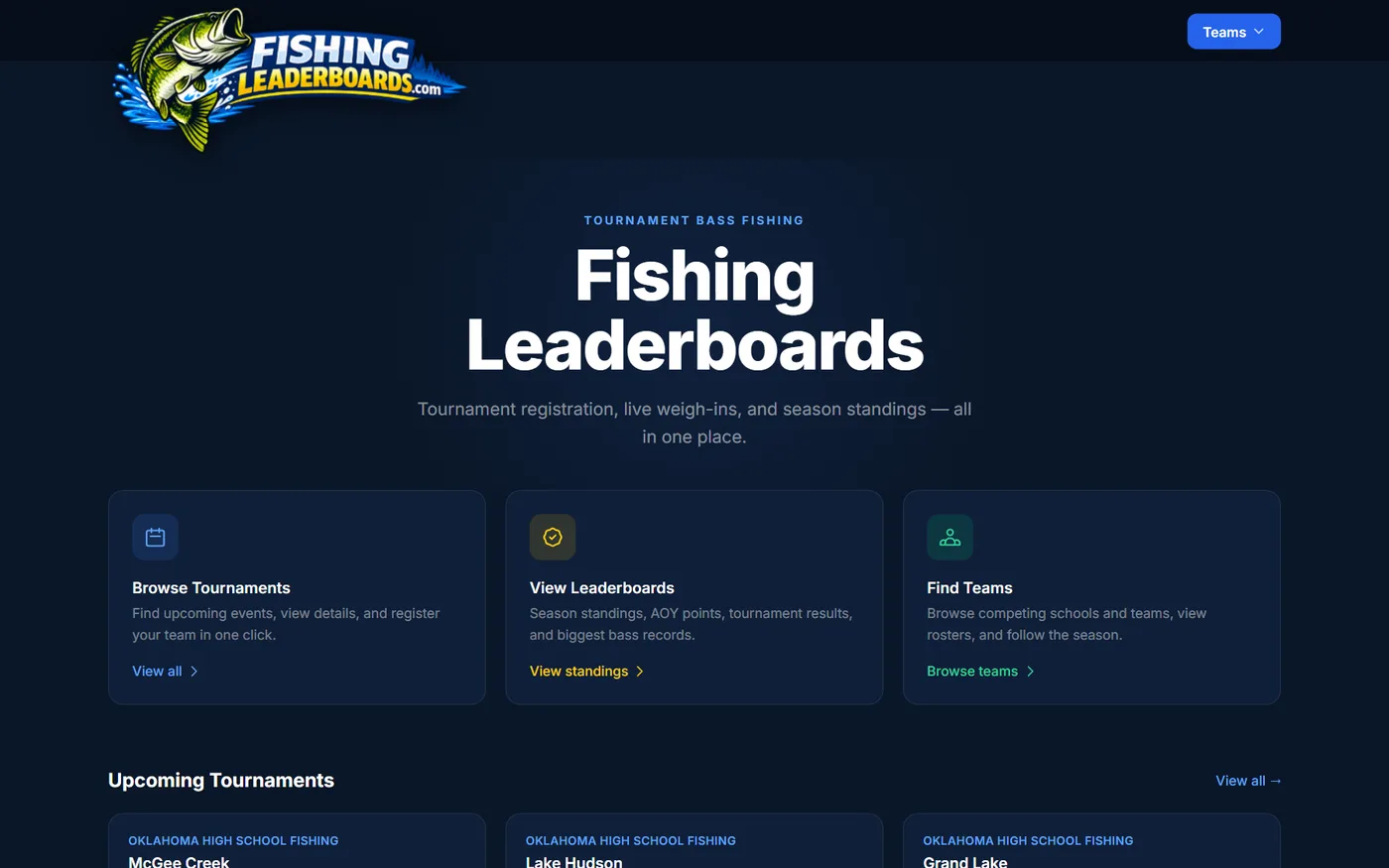
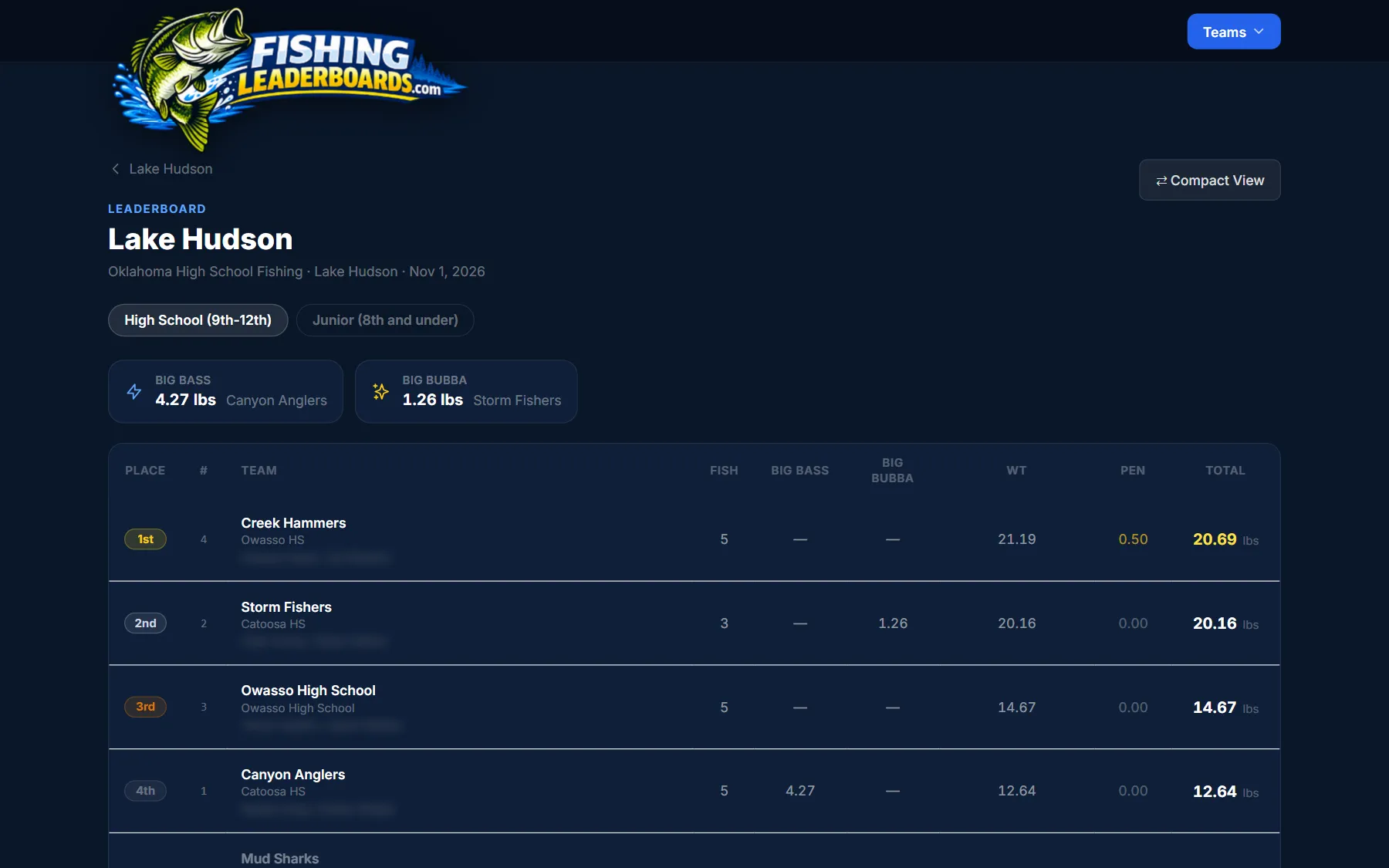
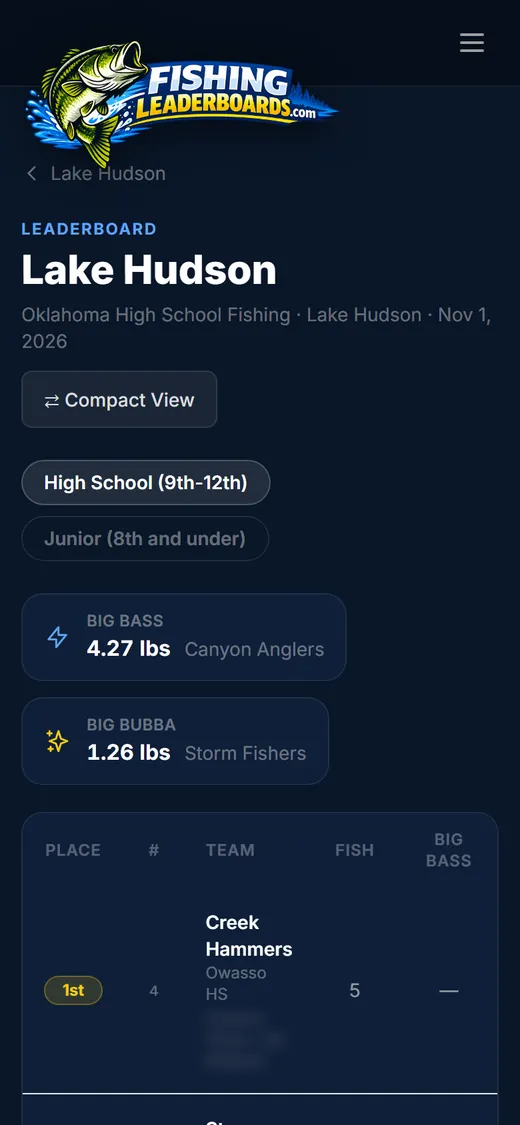
A fishingleaderboards.com tournament leaderboard: teams ranked by place with fish count, big bass, weight, penalties and total pounds.
The same leaderboard on a phone, with the big bass and big bubba results stacked above the standings.
A tournament leaderboard on desktop and phone. Student names blurred.

Web app · Tournament results

fishingleaderboards.com

High school bass fishing needed one place for registration, weigh-ins and season standings. Teams sign up online, results go in from the admin side, and the leaderboard updates as the weights come in.

Visit fishingleaderboards.com (opens in a new tab)
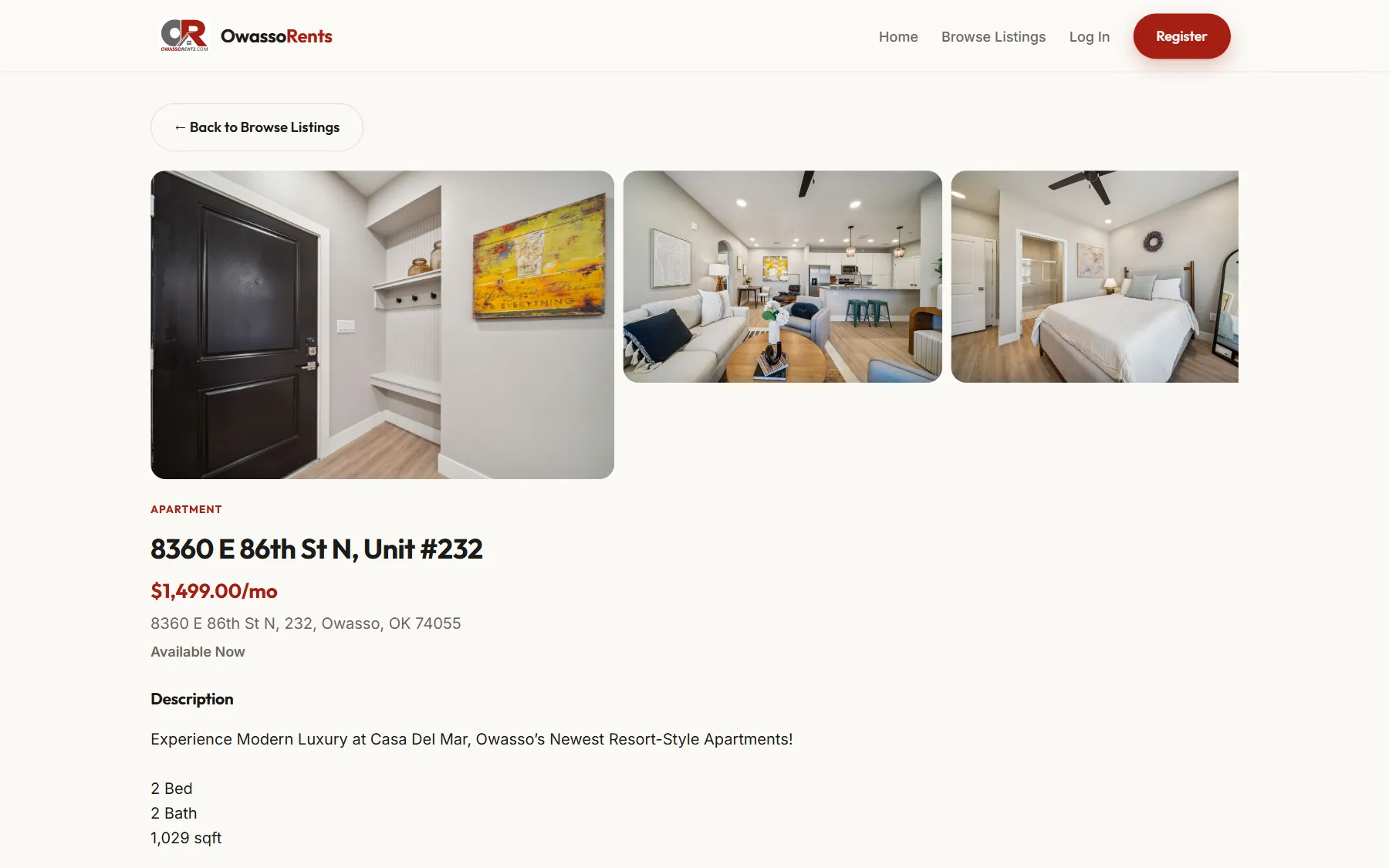
An owassorents.com listing page: a photo gallery of the apartment, the address, monthly rent, availability and a description.
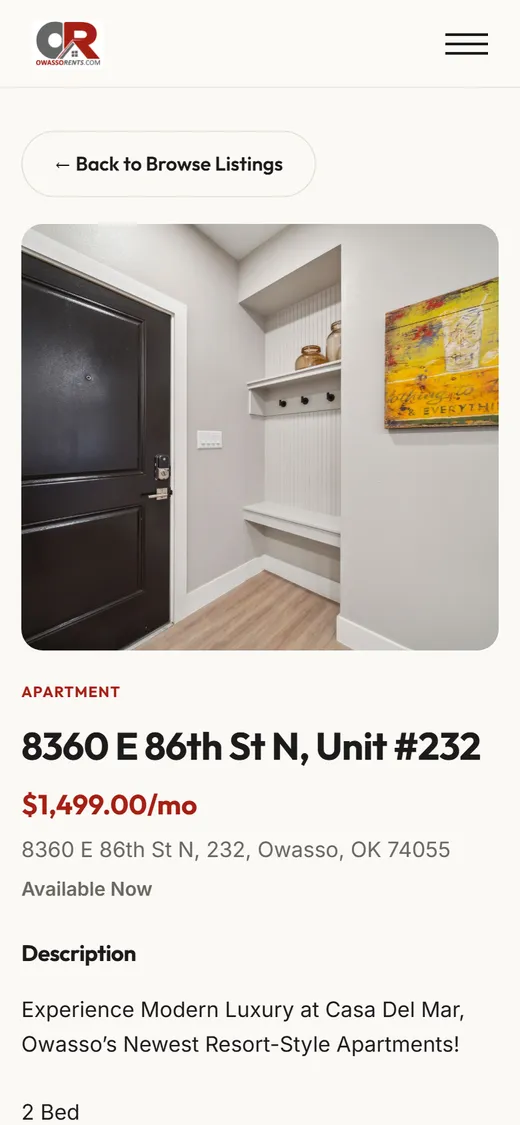
The same listing on a phone, with the photos and details stacked.
A single listing on desktop and phone.

Web app · Rental listings

owassorents.com

A rental listings site for a fast-growing suburb. Property owners register and post their own listings with photos. Renters filter by type, price and area, in a list or on a map.

Visit owassorents.com (opens in a new tab)
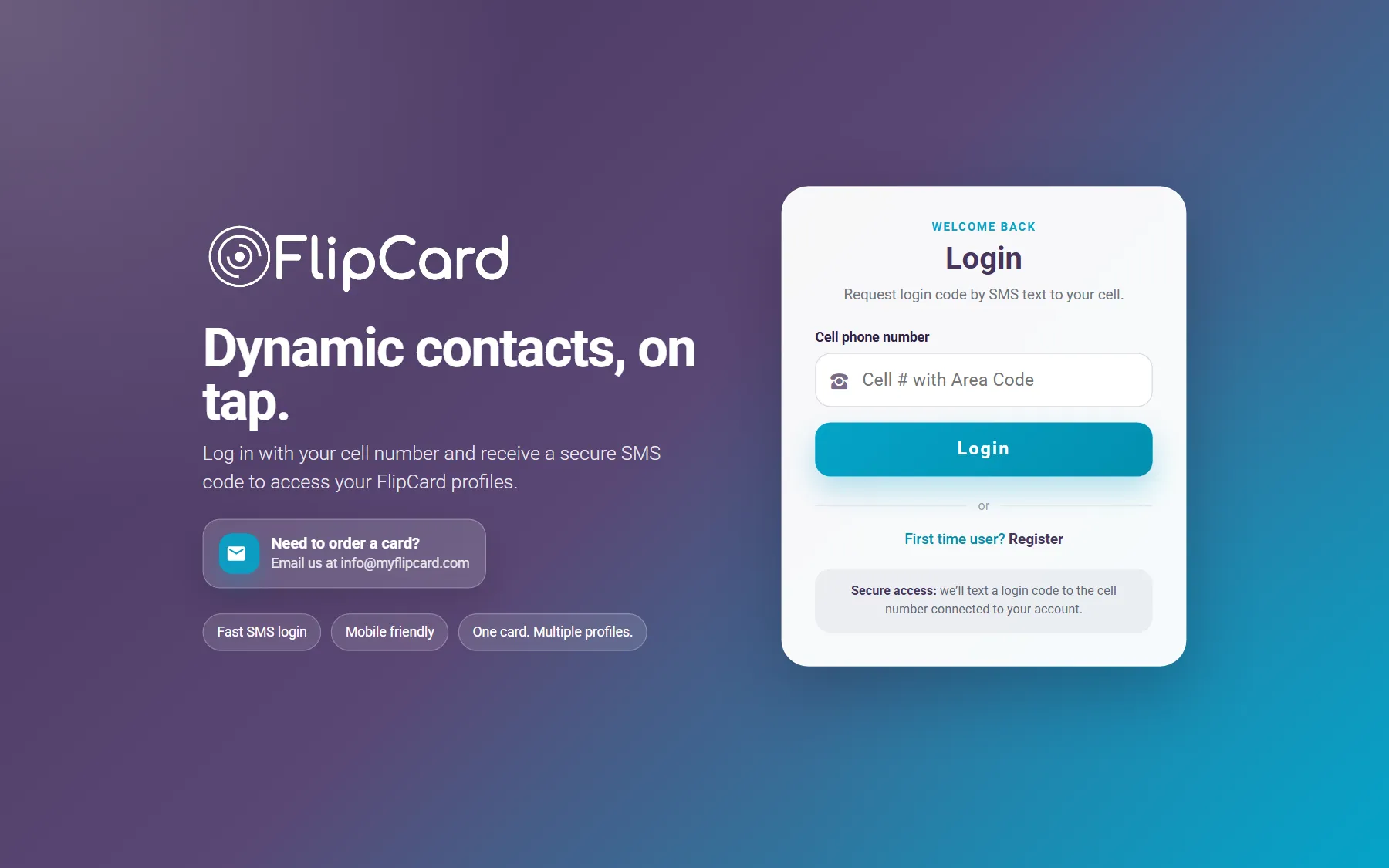
The FlipCard sign-in page: the FlipCard logo, the line Dynamic contacts, on tap, and a form to request a login code by text message.
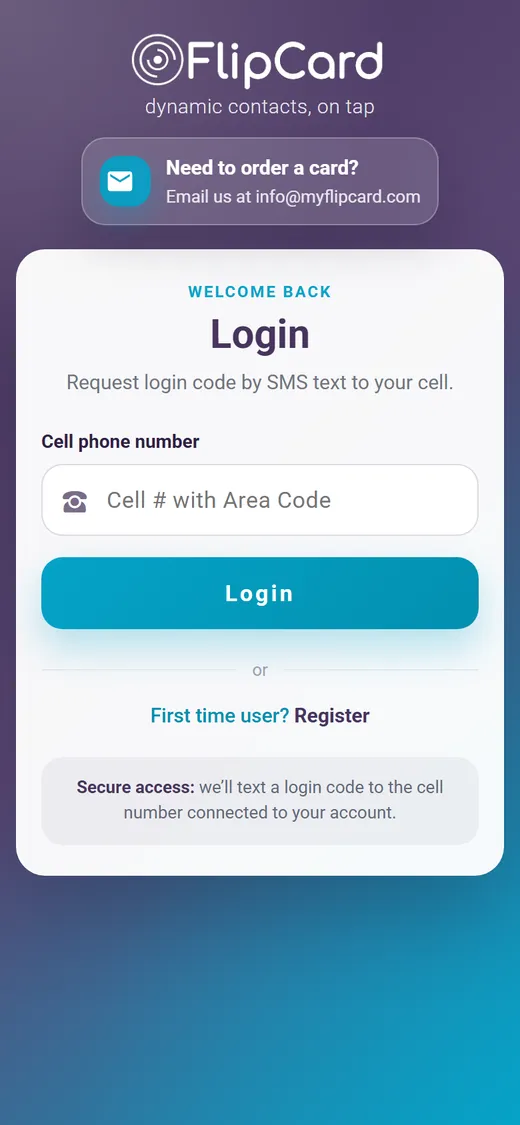
The FlipCard sign-in page on a phone.
FlipCard sign-in on desktop and phone.

Web app · NFC contact cards

FlipCard

A contact card with an NFC chip: tap it to a phone and the owner’s details come up. Owners sign in with a code texted to their phone and run several profiles from one card.

Visit myflipcard.com (opens in a new tab)

Most of it lives behind a login.

A lot of what we build runs inside companies, not just on the web. Here’s the shape of it.

  • Insurance

    Project management and a quoting portal

    Custom project management software for one of the nation’s largest insurance brokers: projects, employee time and productivity reports their clients see. Plus a database-driven portal that prepares health insurance quotes and automates annual reports.

  • Construction

    Store build-outs, nationwide

    A web app for one of the nation’s largest contractors, working for a major retailer. It follows each job from store scope to supervisors and project managers across the country, catalogs hundreds of thousands of photos, and uses QR codes to pull up the right records on site.

  • Trucking

    A sales quoting tool

    A quoting tool for a household name in trucking, for standard and one-off custom quotes. Built in Excel and VBA on top of a full database of parts and accessories.

Happy to talk through details of any past projects on a call!

Automation & reporting

We started in spreadsheets. We still fix them.

Same skill, other direction. We understand the data your business already runs on, so we can build a site on top of it, or clean it up right where it lives.

  • Excel & VBA

    The workbook everyone’s afraid to touch, rebuilt.

    Buttons instead of copy and paste, forms instead of a free-for-all, and macros that do the repetitive part for you.

  • Power BI

    Your numbers on one screen.

    Dashboards that pull from the data you already have and refresh on their own, so nobody spends Monday morning building the report.

  • Power Automate

    The copy‑this‑to‑there jobs, handled.

    Approvals, notifications and file moves that happen by themselves across Outlook, Teams, SharePoint and Excel.

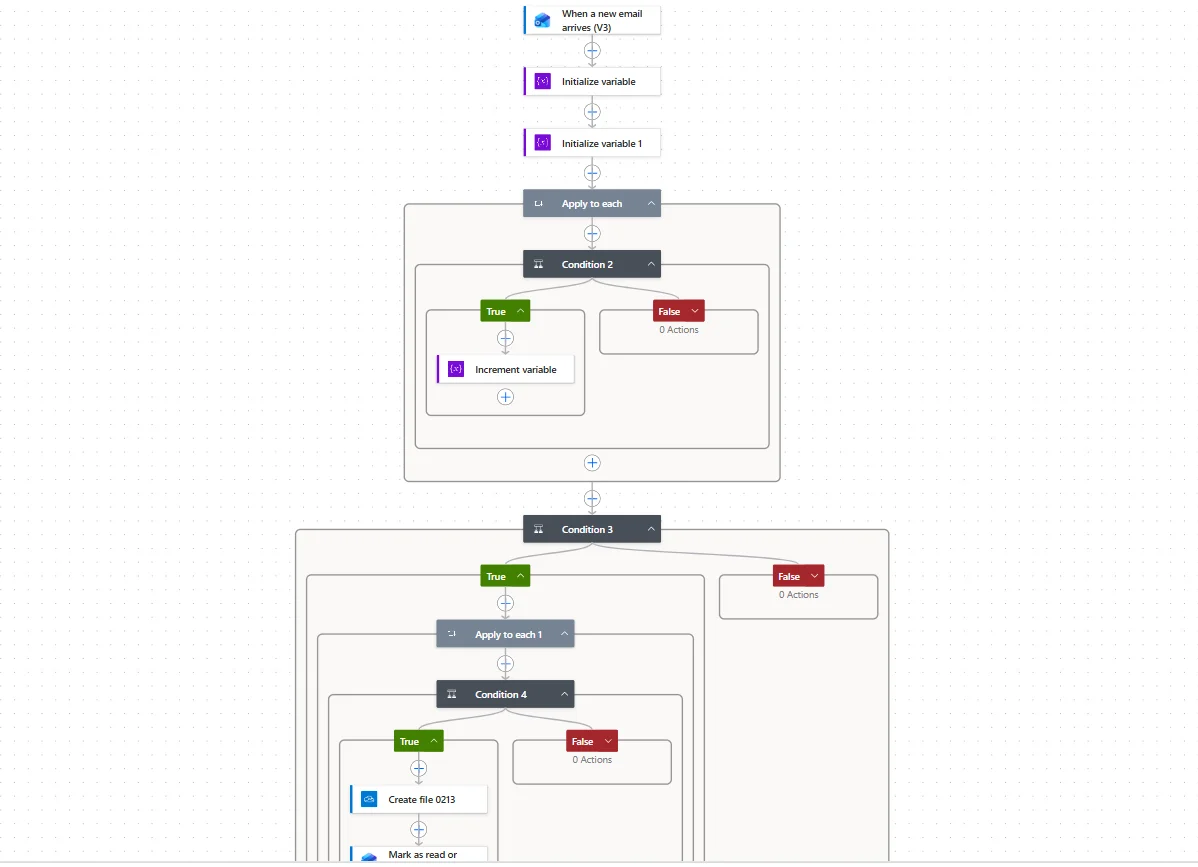
A Power Automate flow: it starts when a new email arrives, loops through conditions, creates a file and marks the message as read. (opens full size in a new tab)

Power Automate

An inbox that files itself.

This flow starts the moment a new email arrives. It checks each message against a few rules, saves the files where they belong and marks it read. Nobody has to open it.

Came here for the spreadsheet? Tell us what it does.

How it goes

Quoted up front. No surprise invoices.

You’ll know the price before we start, and you’ll watch the site take shape while we build it.

  1. A conversation

    Tell us what you have and what isn’t working. Call, video or email, whichever is easier. It’s free.

  2. A fixed quote

    One price for the whole job, in writing, before any work starts. If the scope changes, we talk about it first.

  3. A private preview

    You get a link to the site, or preview of the project while it’s being built. Click around, send notes, watch it come together.

  4. Launch

    We move it to your domain and check everything works on the day it goes live.

  5. Easy updates after

    Need a change later? Send a note. Updates are quick and fairly priced.

Most sites go live within a week.

Start with a free consultation
Danny Powell, smiling, in front of a teal plaster wall.

About

You’ll work with Danny.

We’re a small studio, and that’s the point. Danny Powell is the person on your first call, the one building your project, and the one who answers when you need a change later. No account managers, no handoffs. He’s spent more than 25 years designing websites and building the tools and reports businesses run on. We’re based in Tulsa, Oklahoma, and work with clients anywhere, remotely or on site.

FAQ

Fair questions.

Didn’t see yours? Ask it here.

How much does a website cost?

It depends on what it needs to do, which is why every project starts with a free conversation and ends up with a fixed quote. No packages to squeeze into, and no hourly meter running.

How long does it take?

Most sites go live within a week. Web apps and bigger builds take longer, and you’ll know the timeline when you get the quote.

Can I update the site myself?

Yes, the everyday things: hours, prices, photos, listings. We set those up so you can change them without calling anyone. For anything bigger, send a note and we’ll handle it.

What if I already have a site?

Good, that’s a head start. We’ll keep what’s worth keeping, like your domain and the content customers already find, and rebuild the rest. If it only needs fixing, we’ll say so.

Do you work with businesses outside Oklahoma?

Yes. Most of the work happens over email, video calls and a preview link, so it doesn’t matter where you are. If being in the room helps, we’ll travel.

Are you an IT company?

Nope. IT keeps your systems secure and running, and we love IT departments, but that’s not our lane. We build the things people actually use: your website, the app behind it, and the reports and spreadsheets your team lives in.

Is my IT team going to hate you?

Not at all. We’re here to help your IT team, not replace them. They keep things secure and scalable. We make sure everyone from the owner to the newest hire has tools that actually work.

Why the name ShiftF11?

In Excel, Shift+F11 inserts a fresh, blank sheet. That’s the idea: a clean start for a business stuck with a dated site, a clunky builder or data held together with tape.

Contact

Tell us what you’re working with.

Free consultation, fixed quote, no obligation. Danny reads every message himself and gets back to you the way you prefer.

Best way to reach you